Biometric time clocks that end buddy punching.
TNA-USA connects to ZKTeco and Armatura fingerprint, face, palm and card terminals, plus face clocking on Android phones and tablets. Every punch is tied to the right person and lands in the cloud, ready for timecards.
- ZKTeco and Armatura
- Face clocking on Android
- Consent and retention built in


One platform, the clock that fits each site
Fingerprint, face and palm
ZKTeco and Armatura terminals for plant floors, warehouses and offices. Pick the reader that suits gloves, dust or hygiene rules.
Turnstiles and doors
Use the same terminals and credentials for access control, so the people on site match the people on the clock.
Face clocking on Android
Supervisors clock individuals or a whole crew on a phone or tablet, with a GPS check. Enroll a new face on the spot.
Keeps working with no signal
Terminals and the app store punches when the connection drops and sync automatically when it is back.
Terminal health
See which terminals are online and when each one last sent punches, so a dead clock does not become a payroll problem.
Straight into timecards
Punches flow directly into time and attendance and scheduling. No exports, imports or USB sticks.
Biometrics with consent built in.
Several states regulate how employers collect and keep biometric data. TNA-USA builds the main steps into enrollment and separation, with Illinois BIPA, Texas CUBI and Washington's biometric law in mind.
-
✓
Written consent before enrollmentEmployees receive the notice and give consent before a template is captured, and the consent is stored with their record.
-
✓
Published retention scheduleSet your retention period and keep a written policy you can make available.
-
✓
Automatic purge on separationTemplates are deleted on schedule after an employee leaves, as part of the offboarding checklist.
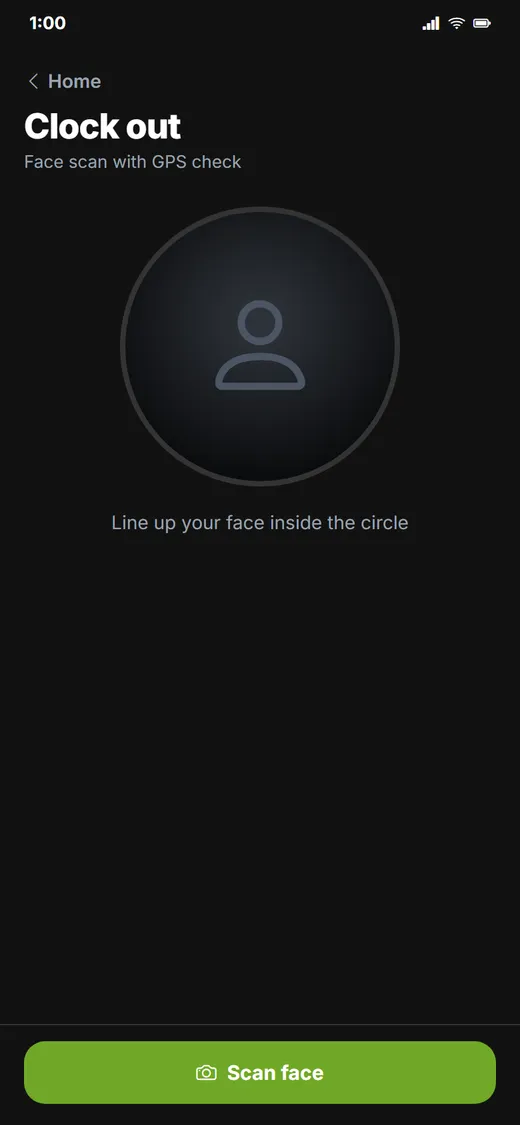
Face scan with GPS checkClock in at the gate, on the job site or in the field.
TNA-USA provides tools that support compliance programs. It does not provide legal advice. Requirements vary by state and municipality, so please confirm your obligations with qualified counsel.
Frequently asked questions
Which biometric time clocks work with TNA-USA?
TNA-USA integrates with ZKTeco and Armatura biometric terminals with fingerprint, face, palm and card readers, and with access control hardware such as turnstiles. If you already have terminals, tell us the models and we will confirm compatibility.
Do we need a wall clock at every site?
No. Sites without a terminal can use the TNA-USA Android app, which clocks people in with face recognition and a GPS check and works offline.
How do biometric time clocks stop buddy punching?
A biometric punch has to come from the employee in person, so one employee cannot clock in for another with a card or a PIN.
What does Illinois BIPA require from employers?
In short, BIPA requires a written notice and a signed release before biometric data is collected, a publicly available retention and destruction policy, and destruction of the data when its purpose is satisfied or within three years of the employee's last interaction, whichever comes first. Texas and Washington have their own rules. TNA-USA supports these steps, but it is not legal advice.
Works with the rest of the platform
Every module shares one employee record, one set of time clocks and one login.
See it running on your own operation.
Book a 30-minute walkthrough with our team. We will show you the modules that matter to you, using your sites, shifts and state rules.